Back to Details
TV SeriesS1 E264K
Press Esc or C to toggle Cinema Mode
S1 : E26
S1:E26
Episodes
125 EpNR
TMDBTMDB Community Score
Based on 0 reviews
Returning SeriesTMDB Entry
Defrag Tools
Season 1 • Episode 26“WinDbg - Semaphores, Mutexes and Timers”
Status
Returning Series
Television Series
Release Date
2012-07-31
Worldwide Premiere
Series Content
1 Seasons • 125 Ep
Streaming S1 E26
Master Audio & Video
4K UHD • HDR10
Dolby 5.1 • Stereo
Episode 26 Intel
Aired 2013-02-04•45m
WinDbg - Semaphores, Mutexes and Timers
In this episode of Defrag Tools, Andrew Richards, Chad Beeder and Larry Larsen continue looking at the Debugging Tools for Windows (in particular WinDbg). WinDbg is a debugger that supports user mode debugging of a process, or kernel mode debugging of a computer. This installment goes over the commands used to diagnose Semaphores, Mutexes and (Waitable) Timers in a user mode application. For timers, we delve deep in to the kernel to gather more information about them. We use these commands: !handle !handle <handle> <mask> !object <name> !object <addr> !timer !timer <addr> ub @rip dt nt!_KTHREAD <addr> Make sure you watch Defrag Tools Episode #1 and Defrag Tools Episode #23 for instructions on how to get the Debugging Tools for Windows and how to set the required environment variables for symbol and source code resolution.
Series Storyline & Lore
TMDB SynopsisAndrew Richards, Chad Beeder and Larry Larsen host this deep dive into the tools used on the tech support show Defrag. Each Defrag Tools show focuses on a specific tool, going deep into a tool's features, explaining when and why you should use the tool, and provides experience based tips to get the most out of the tool.
The Movie Database (TMDB)•Community Metadata & Artwork
ID: 61095More Like This
Recommended titles similar to Defrag Tools

Delete
2013•TV Series

The IT Crowd
2006•TV Series

Acapulco H.E.A.T.
1993•TV Series
Komm Puter!
1989•TV Series
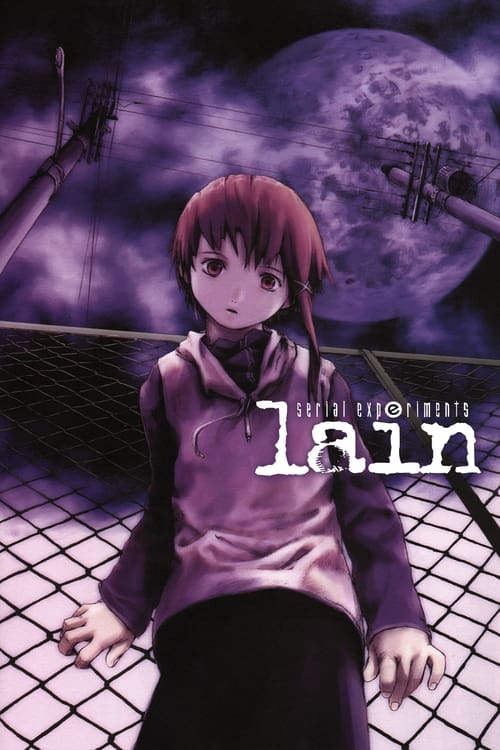
Serial Experiments Lain
1998•TV Series

Silicon Valley
2014•TV Series

Dark Net
2016•TV Series
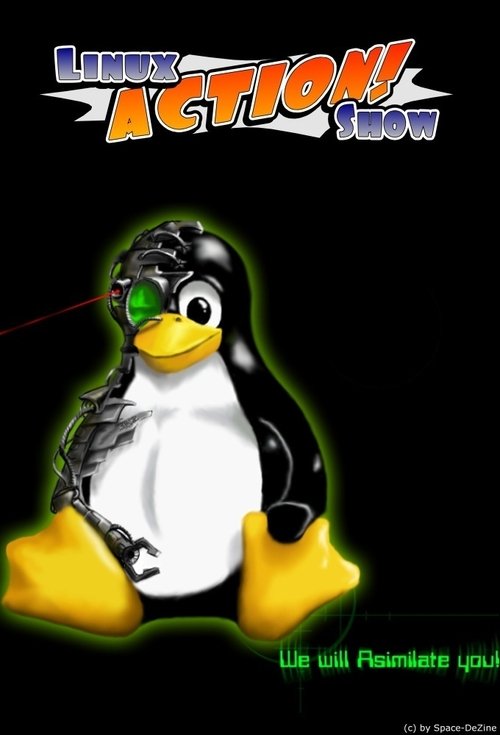
The Linux Action Show!
TV Series
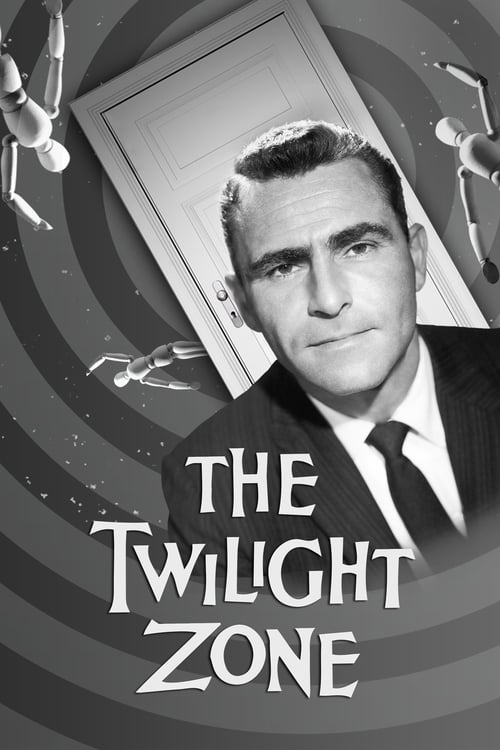
The Twilight Zone
1959•TV Series
The 8-Bit Guy
2007•TV Series
Community Reviews & Discussions
0No audience reviews yet. Be the first to share your thoughts!
No reviews matching this filter. Be the first to share your review!